01 / Meet the object
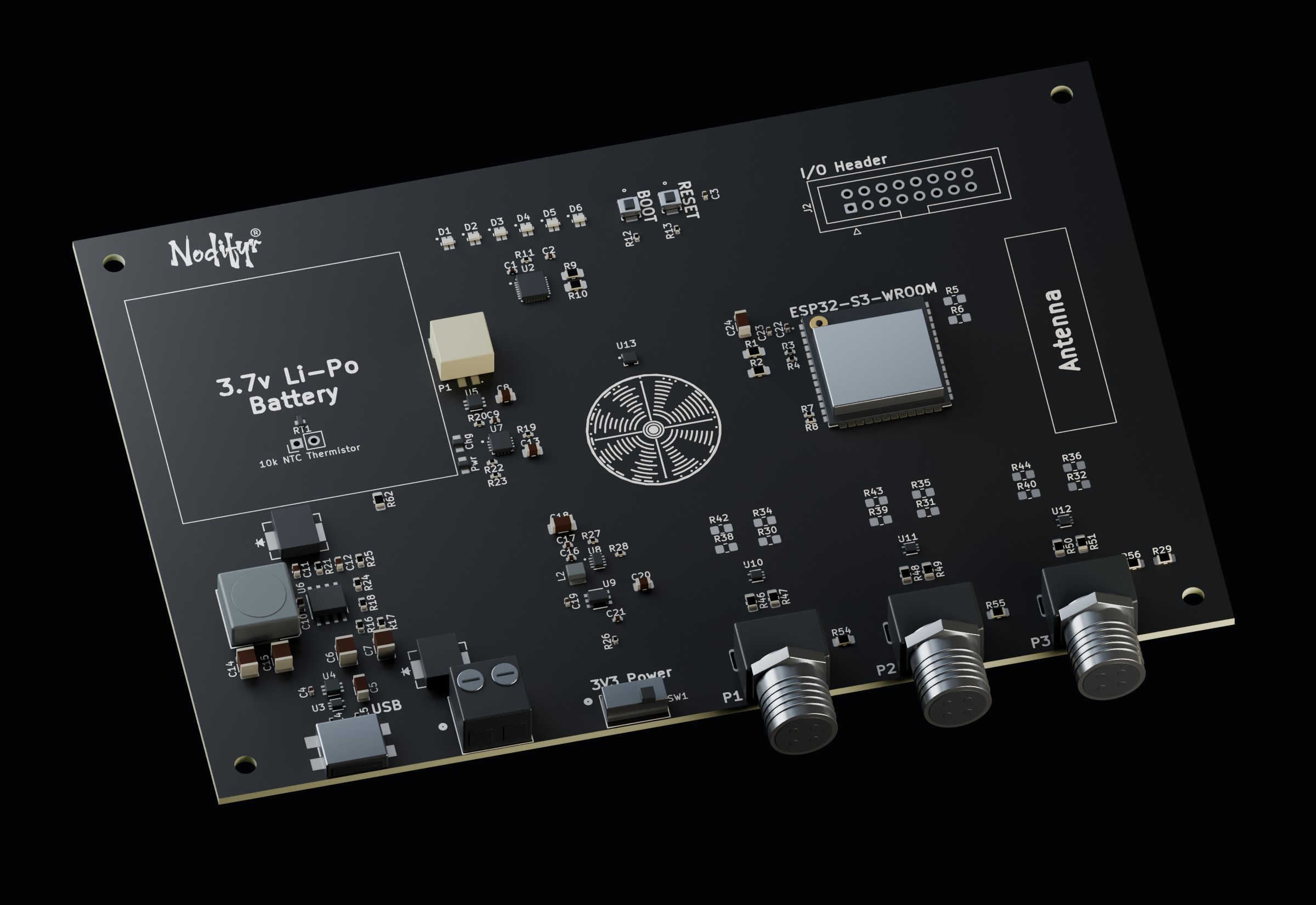
I designed this board as a starting point for sensor and controller projects that need more than USB power and exposed GPIO. The controller is one part of it. Input conversion, battery connections, system power control, external interfaces and physical access occupy the rest of the design.
Start at the connector edge. That is where the board meets a supply, a cable or another piece of hardware. Following those connections inward explains why the supporting circuits are here and why the board has this shape.
02 / Follow power
Before the logic rail
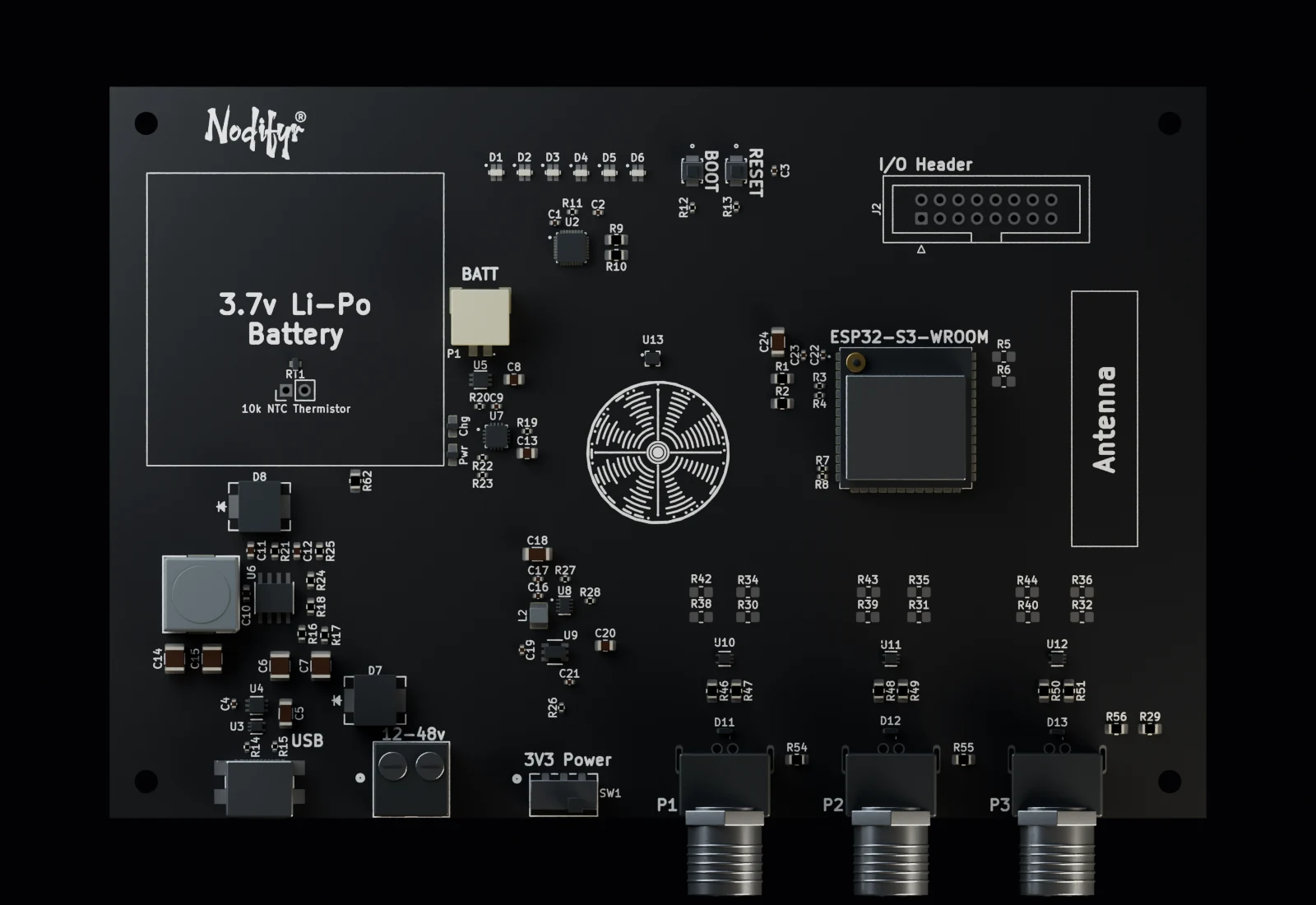
External input, USB-C and the battery enter through different branches. The external input reaches an input diode and buck converter before joining the intermediate rail. USB-C reaches that rail through its own reverse-current-blocking stage. The battery branch reaches the battery connection of the charger and power-path stage. It does not follow the external buck.
Keeping those jobs separate adds components and routing, but it gives each boundary a specific purpose. High-voltage conversion, battery connection and logic regulation do not become one undifferentiated “power” block.
These are single-source views with the load switch enabled. They do not predict what happens when several sources are attached, or when one disappears. Charging time, source priority, and handoff are not shown.
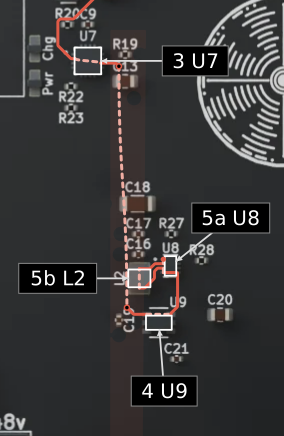
External input to the logic rail
Solid red follows selected CAD trace centerlines. Pale dashed curves explain transfers through devices, pads, and filled copper. Drawing order is reading order; it does not represent current or elapsed electrical time.
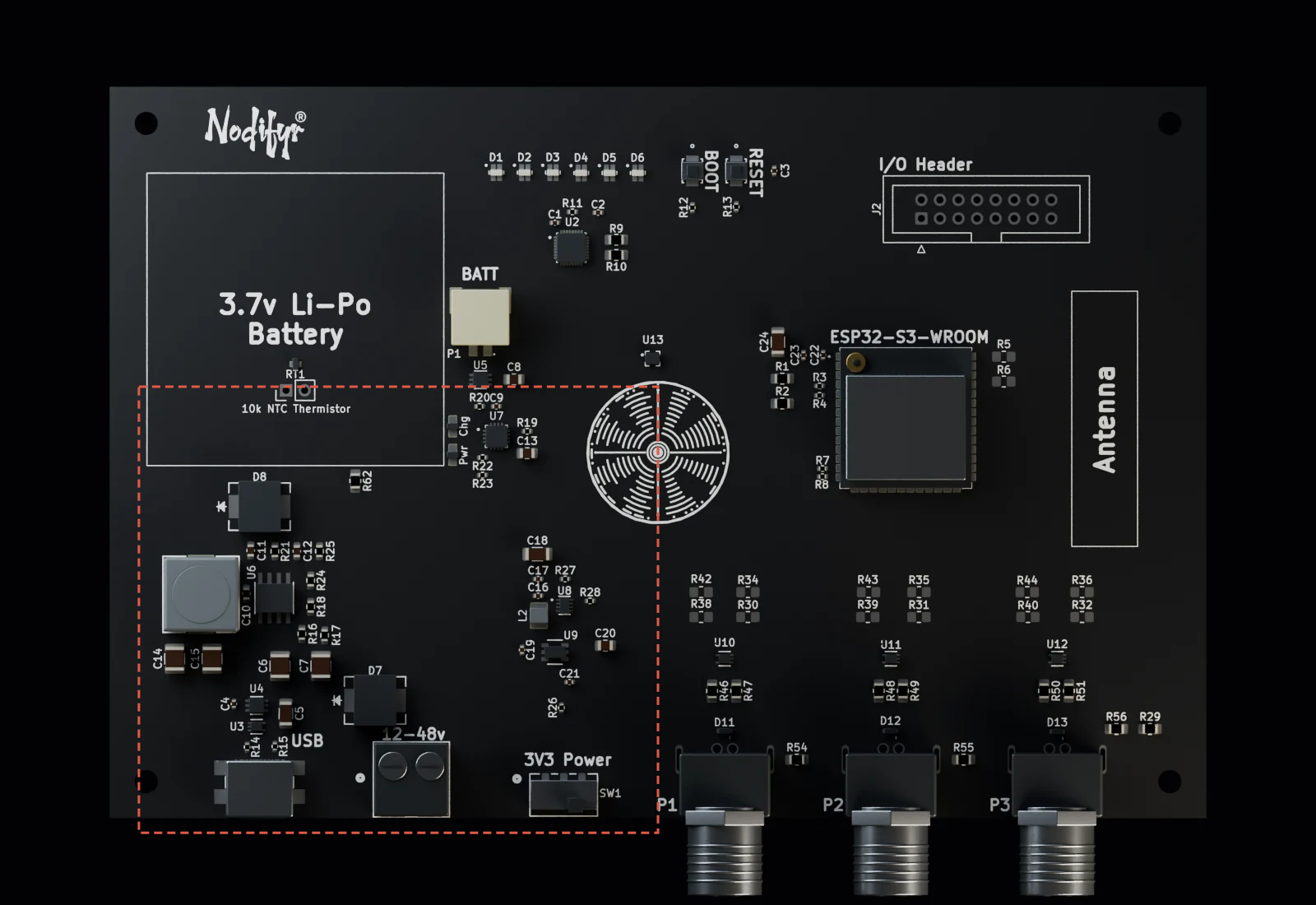
The same board, enlarged below. Boxes follow the visible rendered bodies; component envelopes remain approximate.
External input
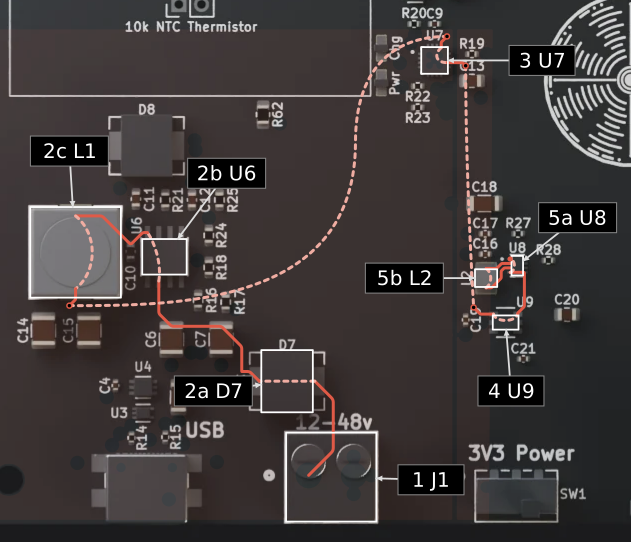
Input + conversion
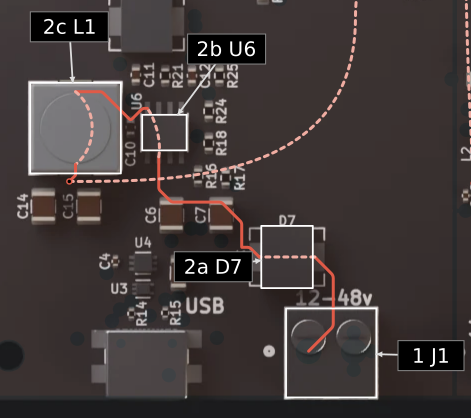
Power path + logic rail
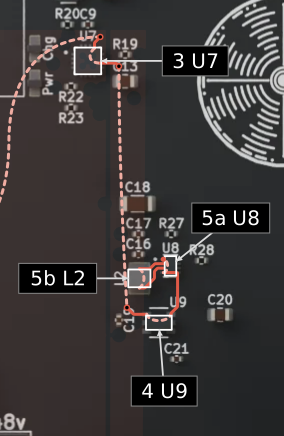
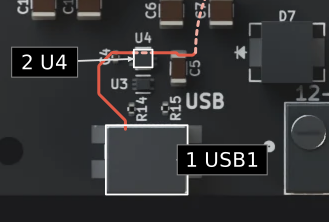
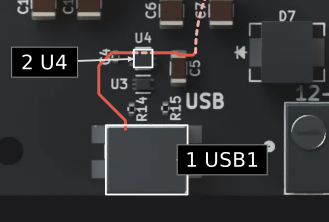
USB-C to the logic rail
Solid red follows selected CAD trace centerlines. Pale dashed curves explain transfers through devices, pads, and filled copper. Drawing order is reading order; it does not represent current or elapsed electrical time.
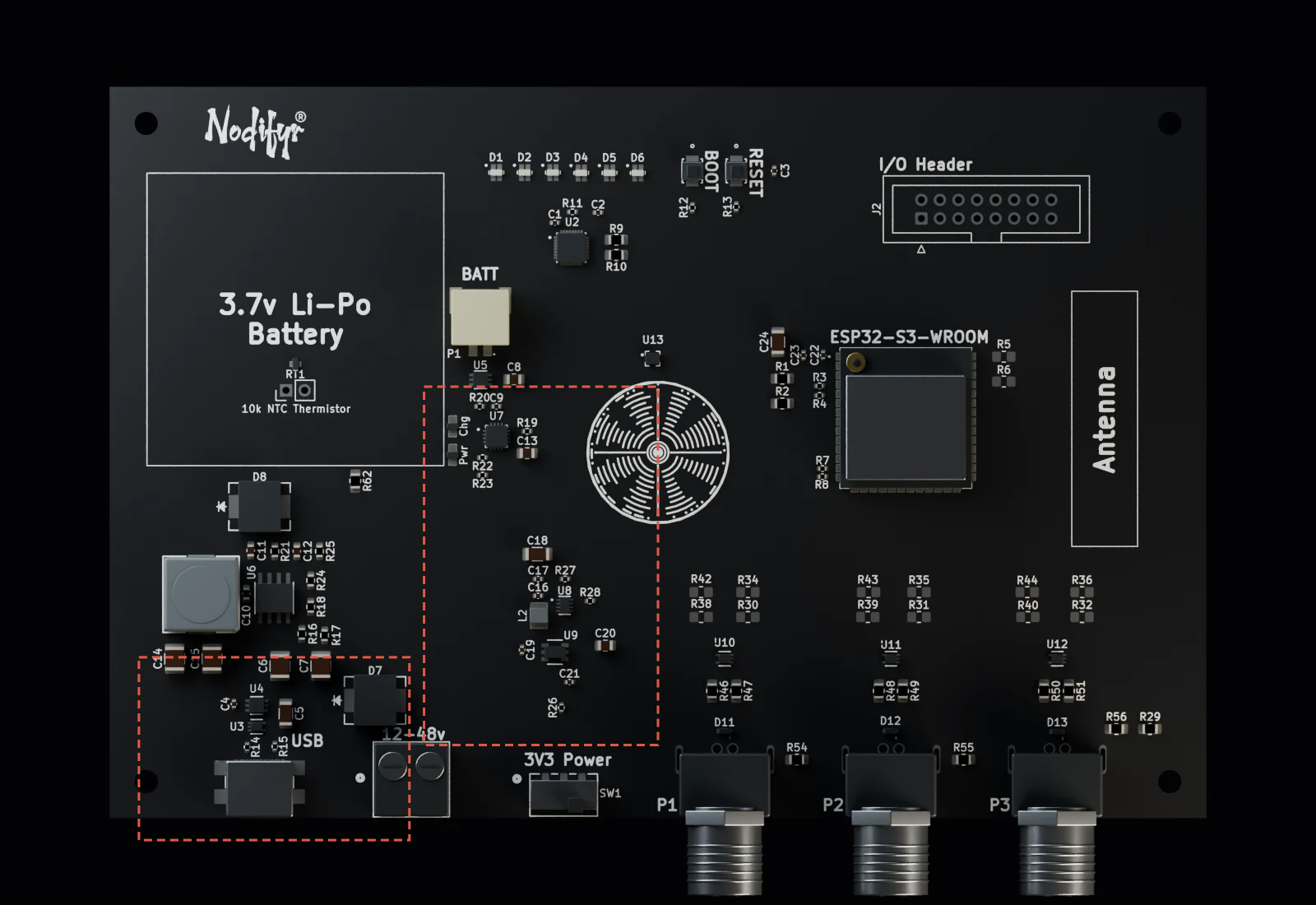
The same board, enlarged below. Boxes follow the visible rendered bodies; component envelopes remain approximate.
USB-C entry
Power path + logic rail
USB-C entry
Power path + logic rail
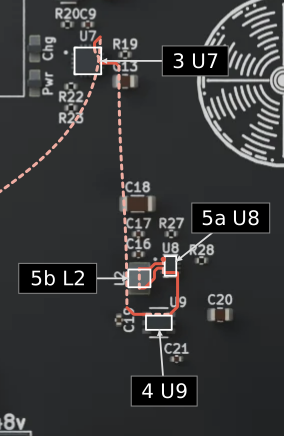
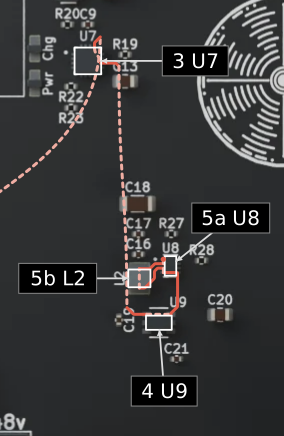
Battery to the logic rail
Solid red follows selected CAD trace centerlines. Pale dashed curves explain transfers through devices, pads, and filled copper. Drawing order is reading order; it does not represent current or elapsed electrical time.
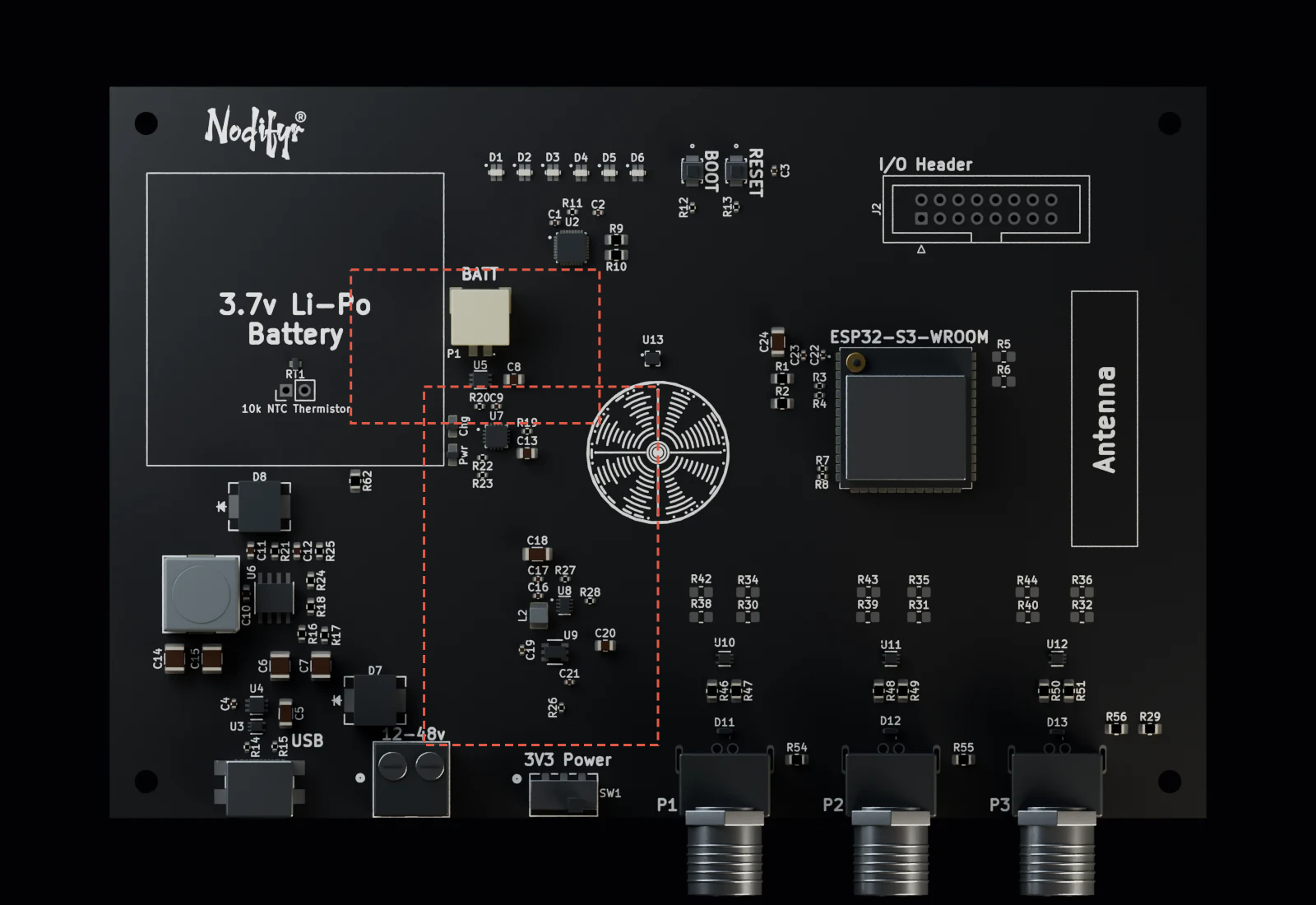
The same board, enlarged below. Boxes follow the visible rendered bodies; component envelopes remain approximate.
Battery entry
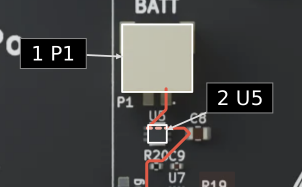
Power path + logic rail
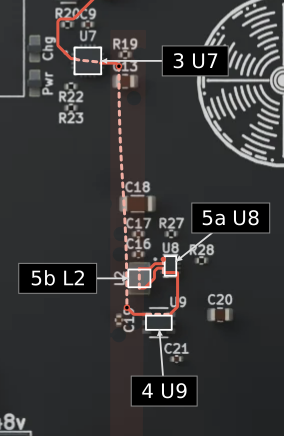
Battery entry
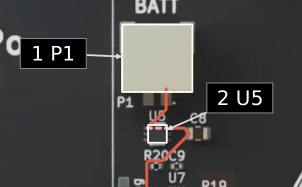
Power path + logic rail
03 / Follow port P1
A cable reaches more than a GPIO
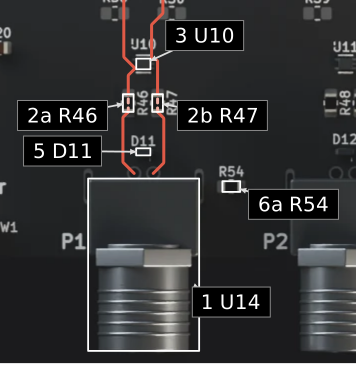
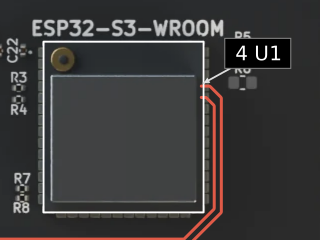
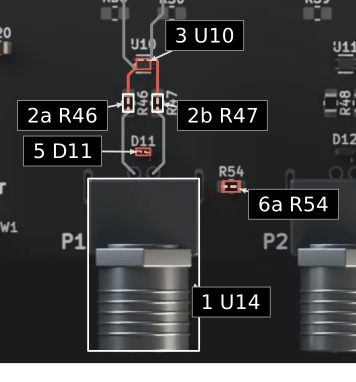
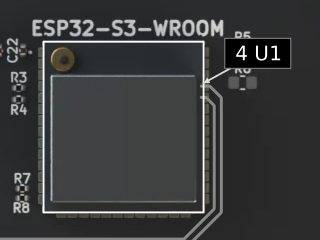
Port P1 is the representative UART boundary. Its two signal lines pass series elements before reaching the controller-side nodes. A two-channel protection device connects those nodes to the common return. Its position matters: the diagram shows the protection branch on the MCU side of the series elements, rather than drawing an arbitrary clamp next to the connector.
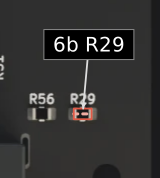
The connector’s peripheral supply has its own shunt protection branch. The cable shield also has a defined connection: a fitted link into the shared shield net, then another fitted link to signal ground. Naming that net separately does not make the interface isolated. In this design, shield and signal return are deliberately connected.
Circular port P1 · normal
Solid red follows the two selected routed signal paths and their branches. Pale dashed connections through a component summarize its function. Protection view reveals the signal and supply shunt relationships plus the two shield bonds; it does not simulate a transient.
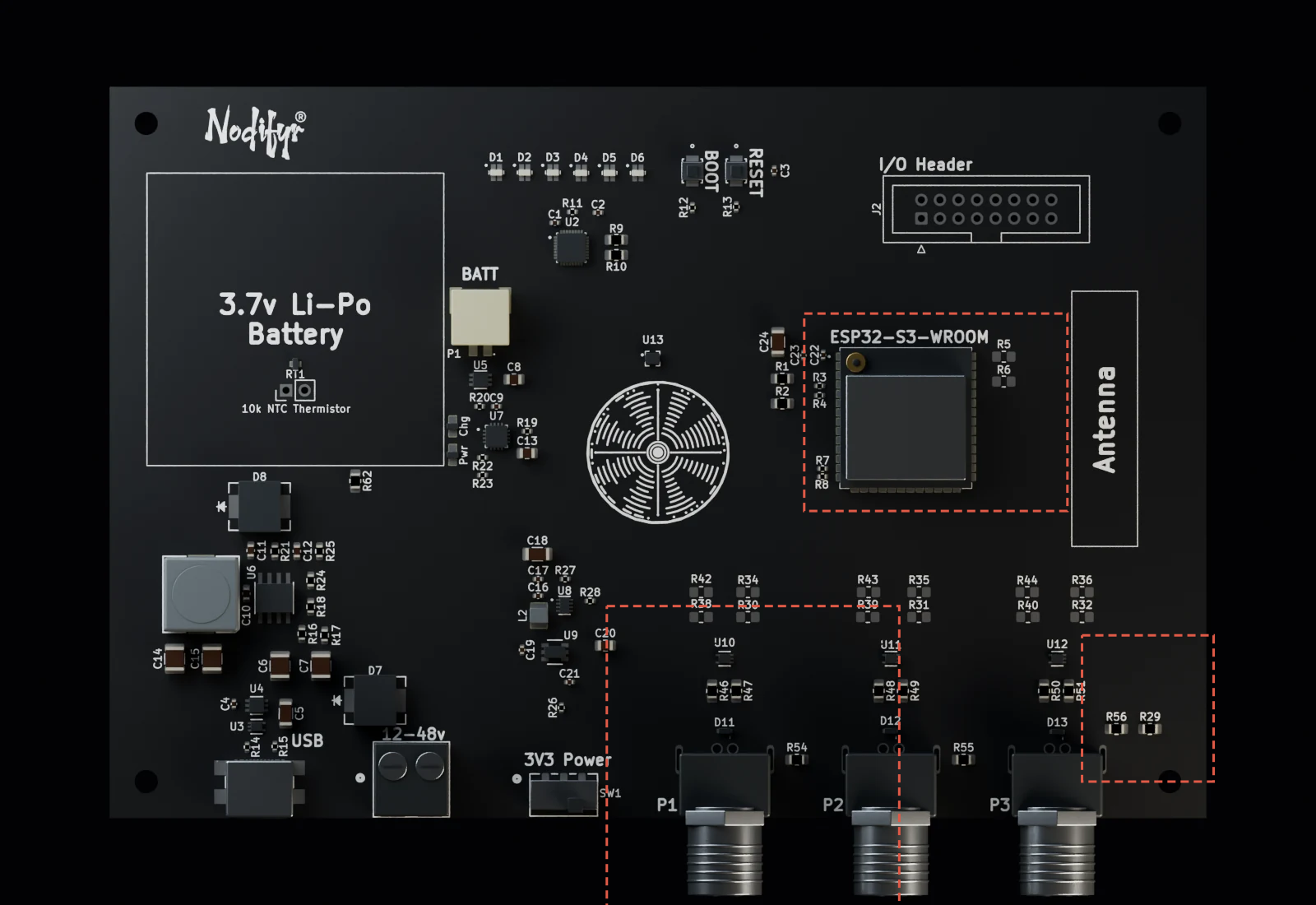
The same board, enlarged below. Boxes follow the visible rendered bodies; component envelopes remain approximate.
Port boundary
Controller endpoint
Shared shield bond
Port boundary
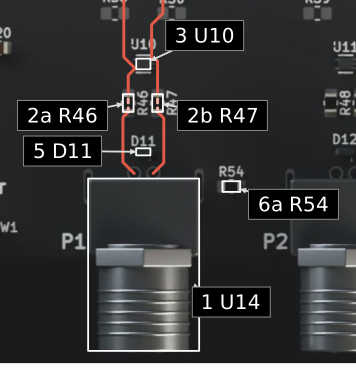
Controller endpoint
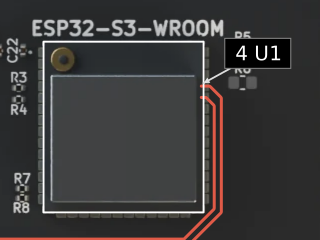
Shared shield bond
Circular port P1 · protection
Solid red follows the two selected routed signal paths and their branches. Pale dashed connections through a component summarize its function. Protection view reveals the signal and supply shunt relationships plus the two shield bonds; it does not simulate a transient.
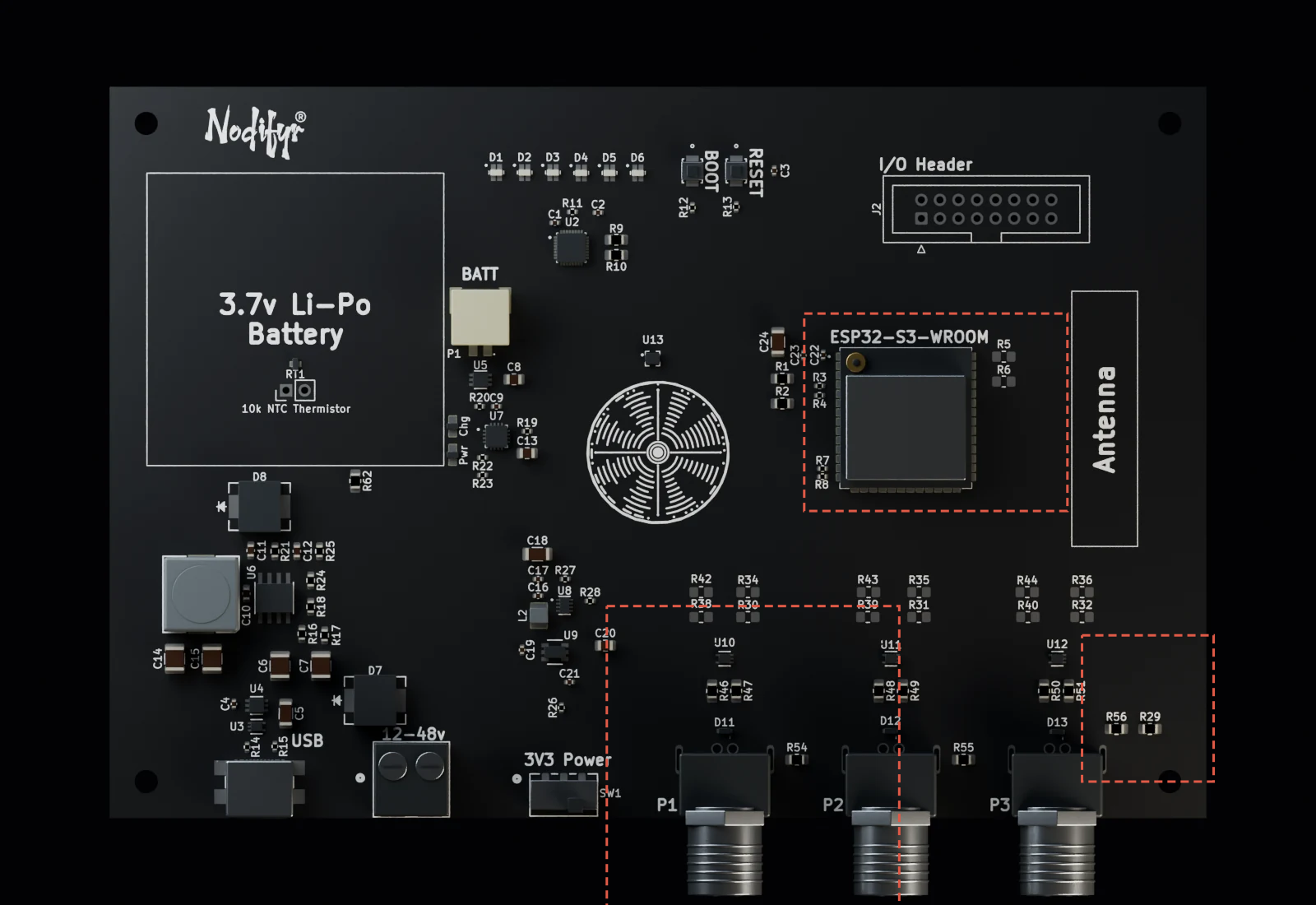
The same board, enlarged below. Boxes follow the visible rendered bodies; component envelopes remain approximate.
Port boundary
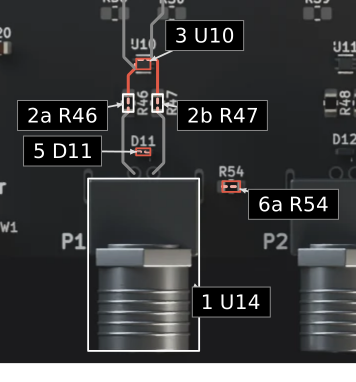
Controller endpoint
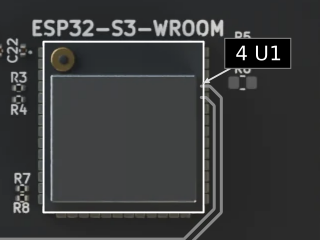
Shared shield bond
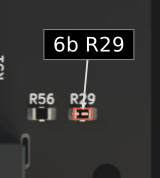
Port boundary
Controller endpoint
Shared shield bond
Close view of port P1

04 / Placement constraints
The outline has a job
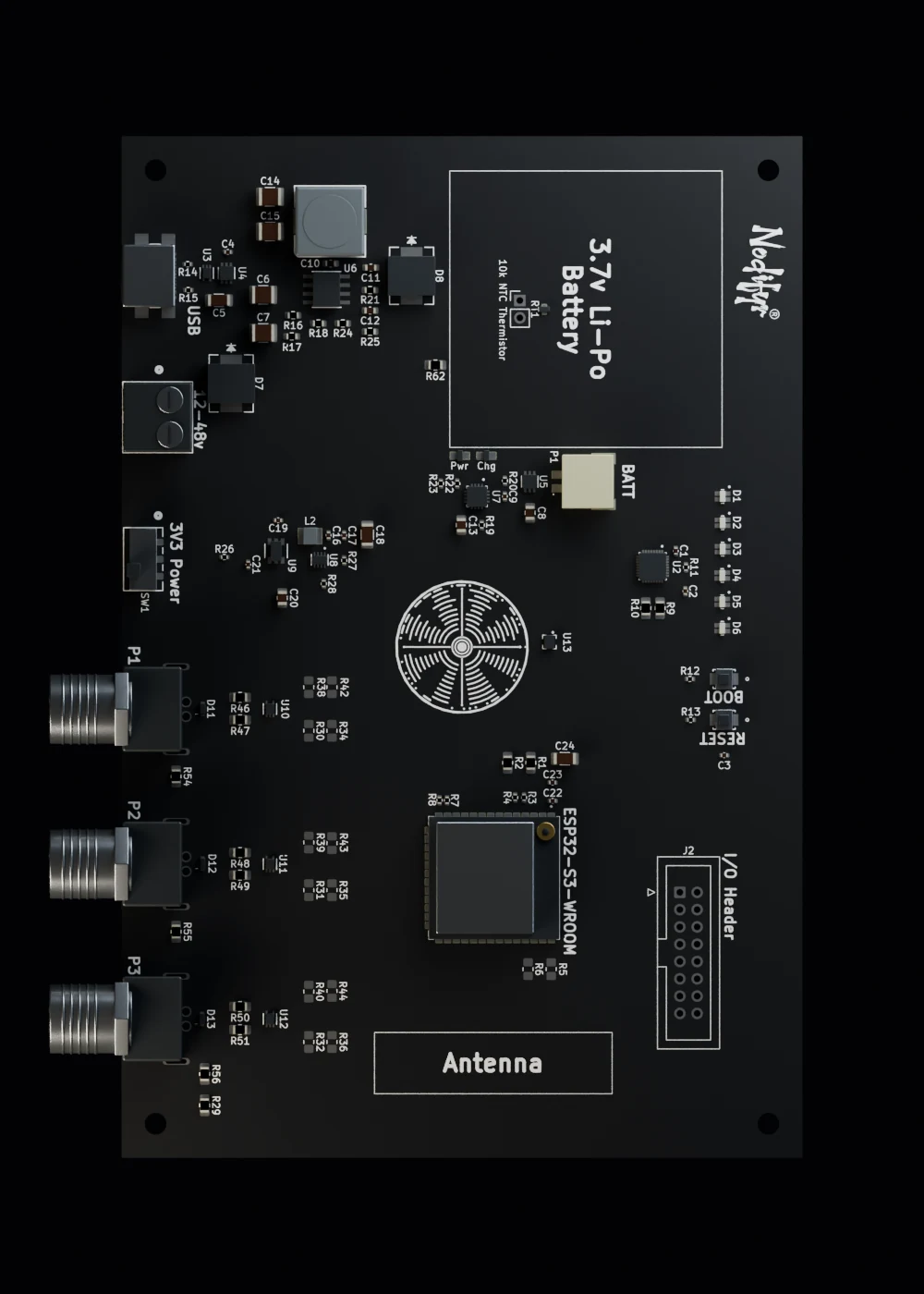
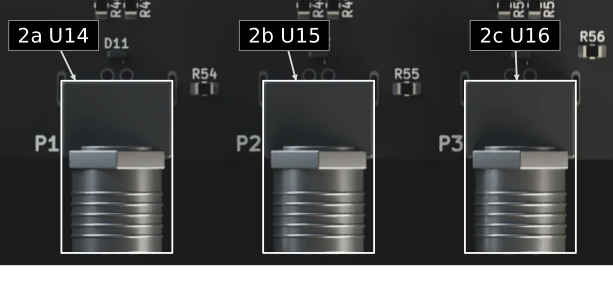
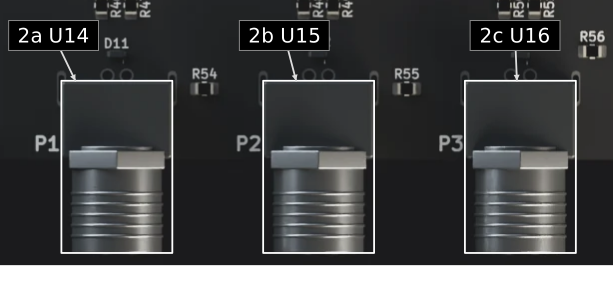
The three circular ports face the same edge. Their positions and the mounting holes define how the PCB is meant to meet an enclosure. The exhibit shows that interface without inventing an enclosure shell or a sealing specification.
The battery reservation sits beside the power-management circuitry, so the space for the cell stays distinct from the supply stages.
The antenna reservation and service controls impose their own placement needs. Conversion and logic regulation sit in distinct groups, while USB and the system-power control remain accessible at the edge.
Placement constraints
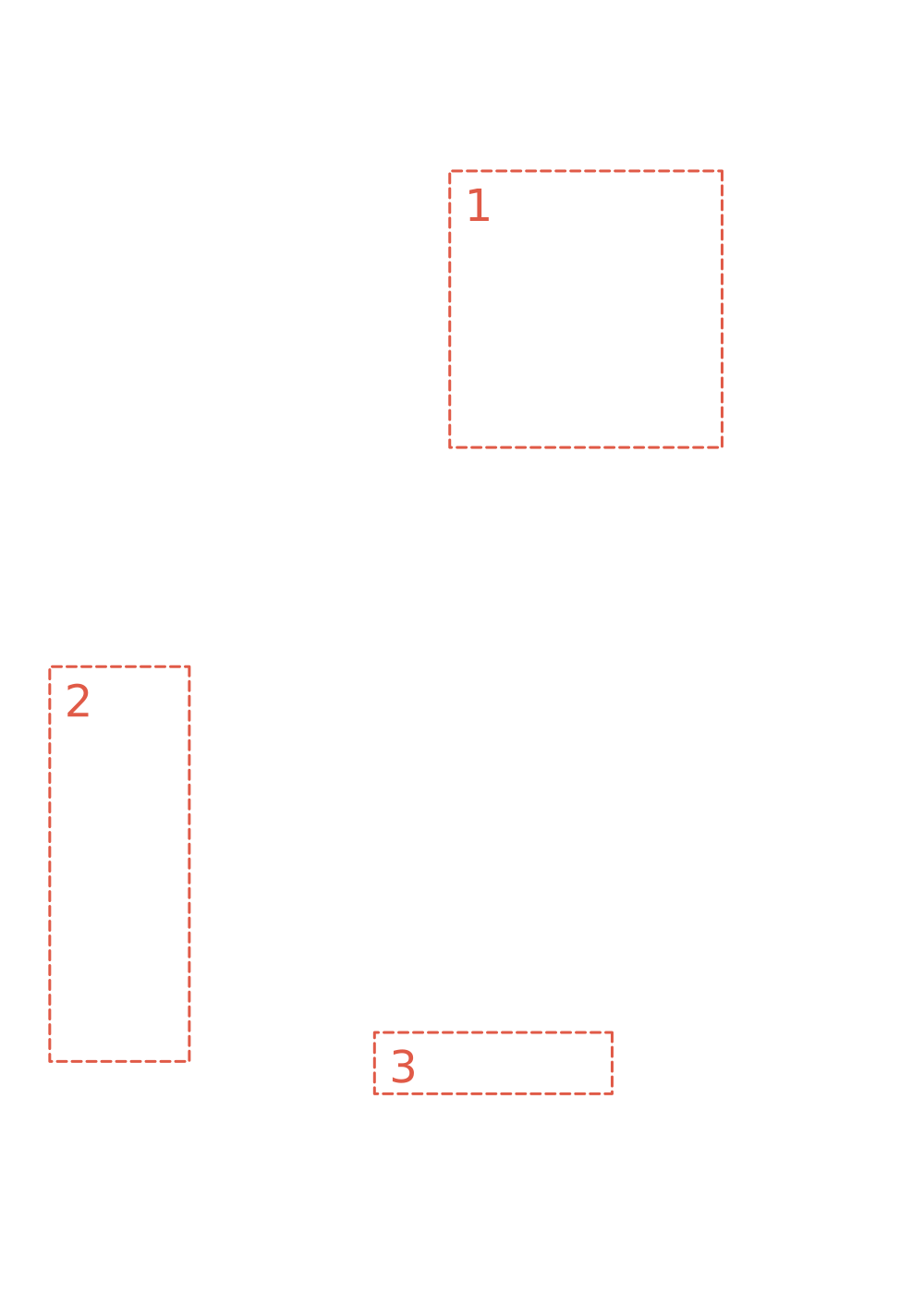
The source-exact battery and antenna reservations and circular-port span are drawn on the same registered plan. These are design constraints, with no enclosure or battery model implied.
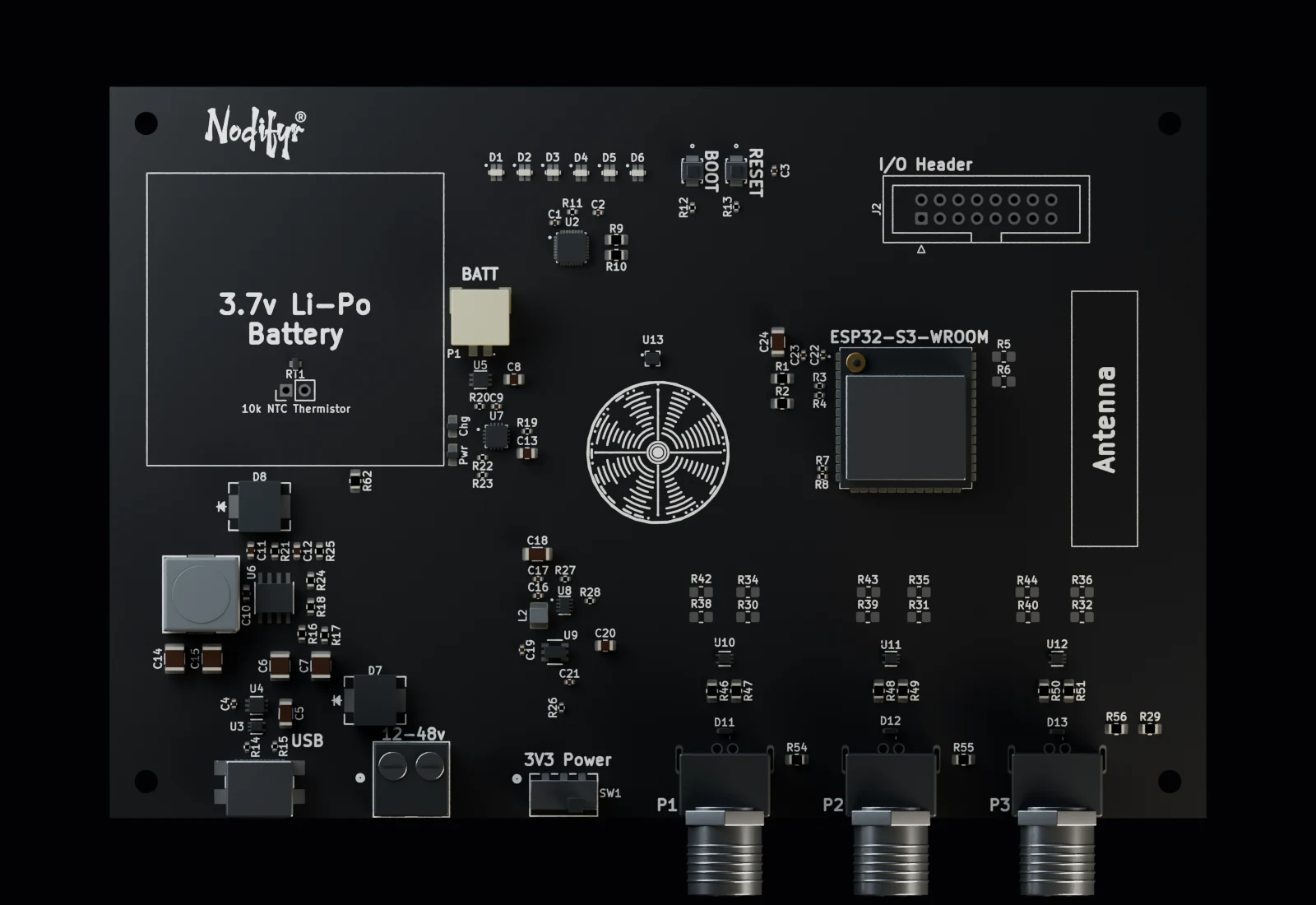
The same board, enlarged below. Boxes follow the visible rendered bodies; component envelopes remain approximate.
Registered placement bounds
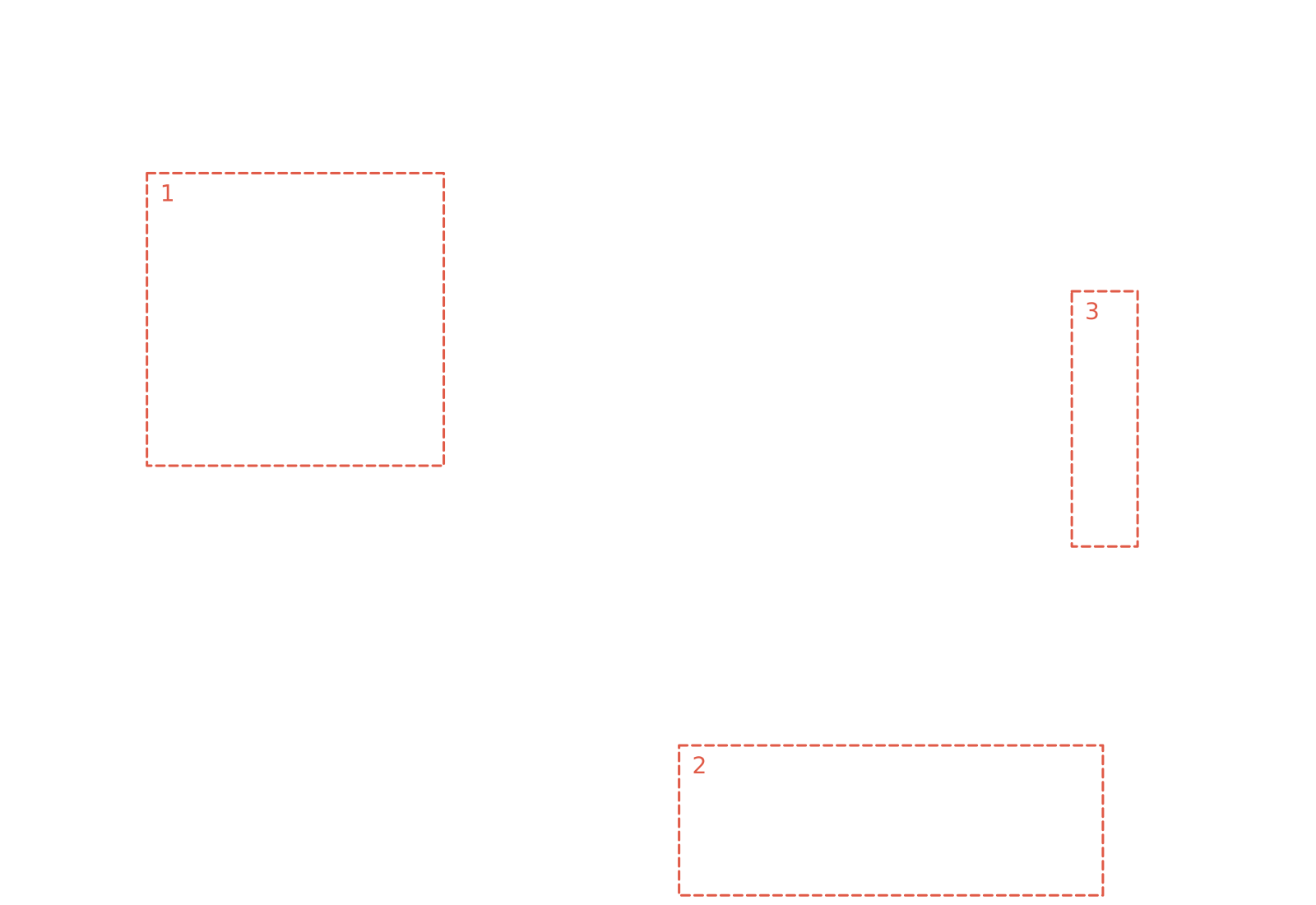
Registered placement bounds
05 / Hardware architecture
Reuse the boundaries
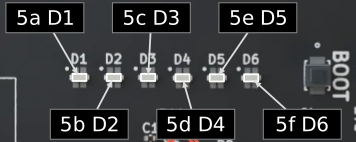
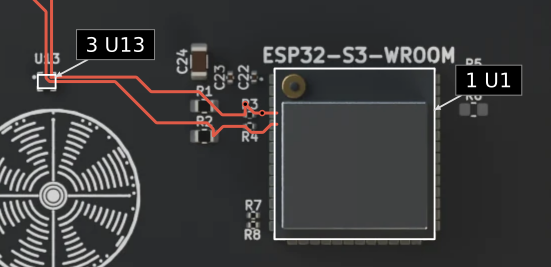
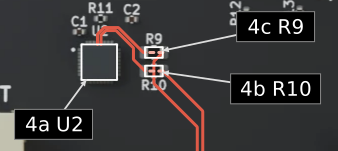
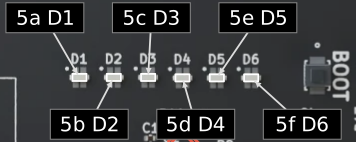
The ESP32-S3 controller relates to the external interfaces, local temperature and humidity sensing, and an I2C status driver for six RGB LEDs.
The optional interface footprints are choices made when configuring the hardware. They are not evidence of a runtime protocol menu or automatic detection. This exhibit explains the hardware architecture; it does not invent firmware behavior to make the board feel more complete. Reuse here means carrying forward the controller and the supporting boundaries, then changing the part a new project actually needs.
Hardware platform
Solid red follows selected SDA and SCL CAD connections to U13 and, through R10/R9, U2. Rings identify layer changes. Pale dashed links cross the series elements. Each LED and connector has its own box and ID; the output-channel architecture is described beside the drawing.
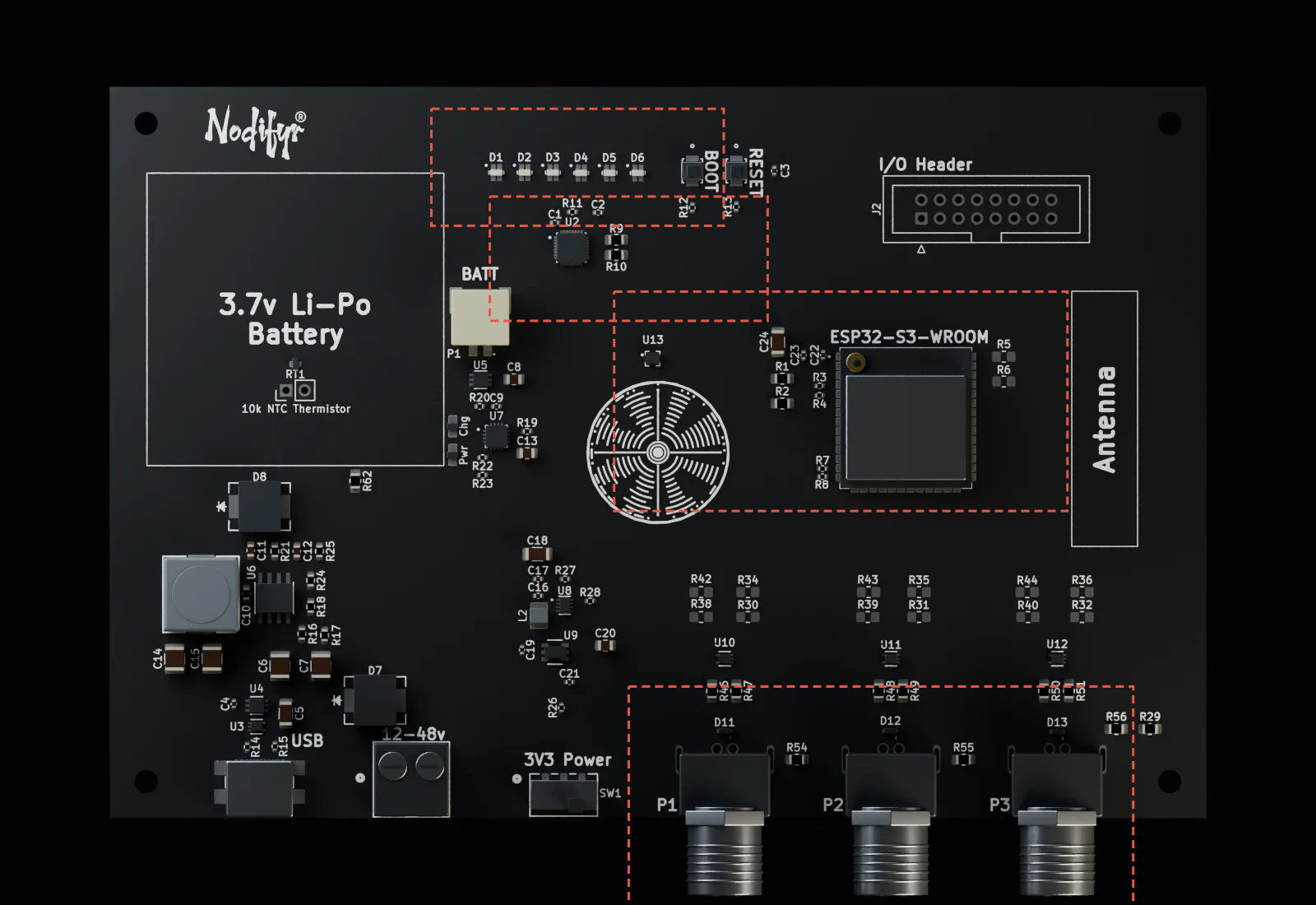
The same board, enlarged below. Boxes follow the visible rendered bodies; component envelopes remain approximate.
Controller + local sensing
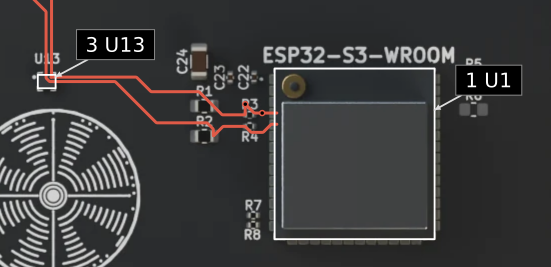
Status driver
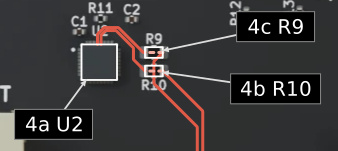
Six RGB indicators
Three external ports
Controller + local sensing
Status driver
Six RGB indicators
Three external ports
06 / Resolve the evidence
The same board, understood differently
My contribution was the architecture, hierarchical schematics, PCB layout, component selection, footprint corrections and assembly preparation. The tradeoff is visible: several power and interface stages take space and add complexity, but their responsibilities are explicit.